Showing posts with label texturing. Show all posts

Tuesday, 31 March 2015

Fan Textures

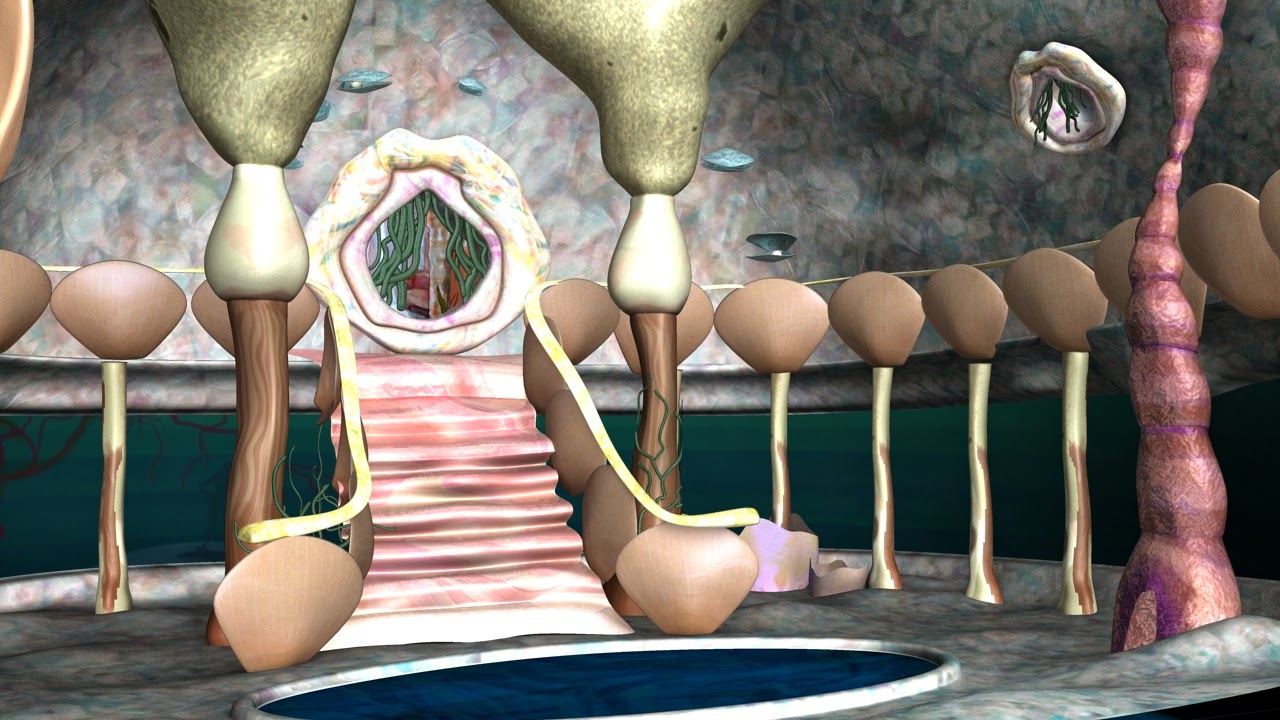
Texture Process - some painted and some are 3D composites as they will be entered in the animation at different points.
 Texturing the fans as I go with the World Modelling Processes and playblasts.


Wednesday, 16 April 2014

@ALAN Adaptation current textures (rendering problem)

Current textures rendered. (some uv mapping problems to be fixed.)  It took 54 minutes to render, which really doesn't seem right, it could be my computer but could it also be a texturing problem? I am using ambient occlusion in the textures also, and only one directional light.. .


Monday, 14 April 2014

texturing : shell tests


repainting a texture to match concept art 


previous test using a texture made early on, trying out mia_material_x but went for blinns instead.


using blinn with preexisting bump texture in the hypershade menu currently. 

Matte painting made for the water underneath this central glass dancefloor area with added glow currently. 

Saturday, 8 February 2014

Adaptation: Marbling Ink


Scanned in Sheets of paper using marbling ink technique, and edited and overlayed layers in photoshop


Monday, 3 February 2014

Adaptation: Ink Editing in Photoshop

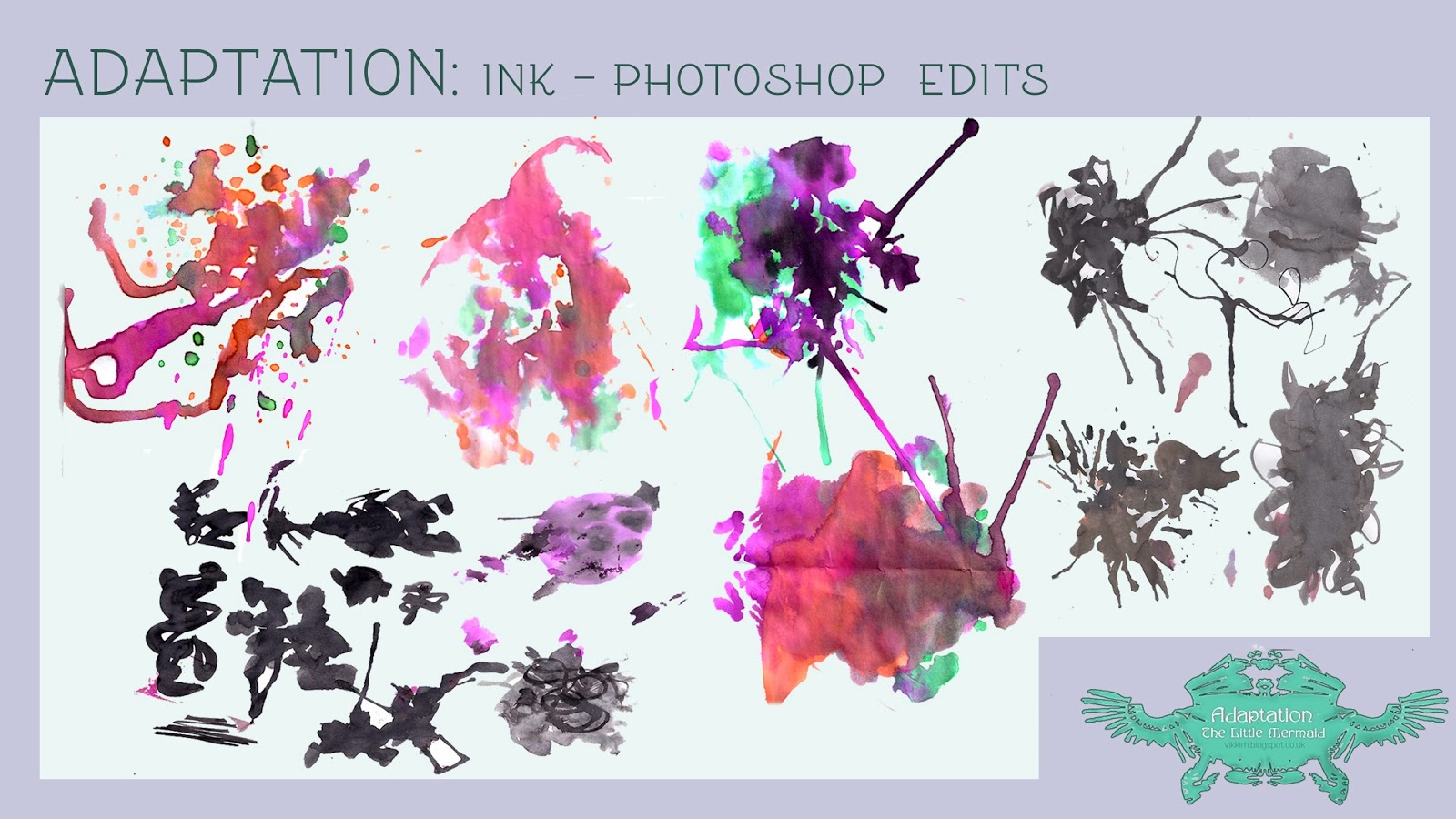
For ideas for textures for adaptation project i have made some ink splotches, scanned into photoshop and edited and overlayed images to make some texture ideas.
6-7 were using the 'difference' layer, and the rest were done using 'screen' layer.
The shine from 1, 4 and 5 come from overlaying more than 2 ink images.


Monday, 10 December 2012

some maya texturing

I did automatic mapping for the banisters


I decided to try out a painted texture onto the eye-like balls on the staircase  

i opened the uv map from the texture editor into photoshop
and applied the painting from my concept art

adding a lambert and choosing the file...

how it looks in the scene

doing the same to the other ball

how it looks in the scene

I think they look kind of out of place at the moment, but i think when i add a glow and lighting, it'll blend in better.